

What’s happening now
Uptime, response time, and how they change. Cards or a table, depending on how you need to work.
Monitor your whole portfolio, update connected WordPress sites, and coordinate your team’s work. digiWatcher connects website status, completed work, and client reports.
Discover a workspace for website care.
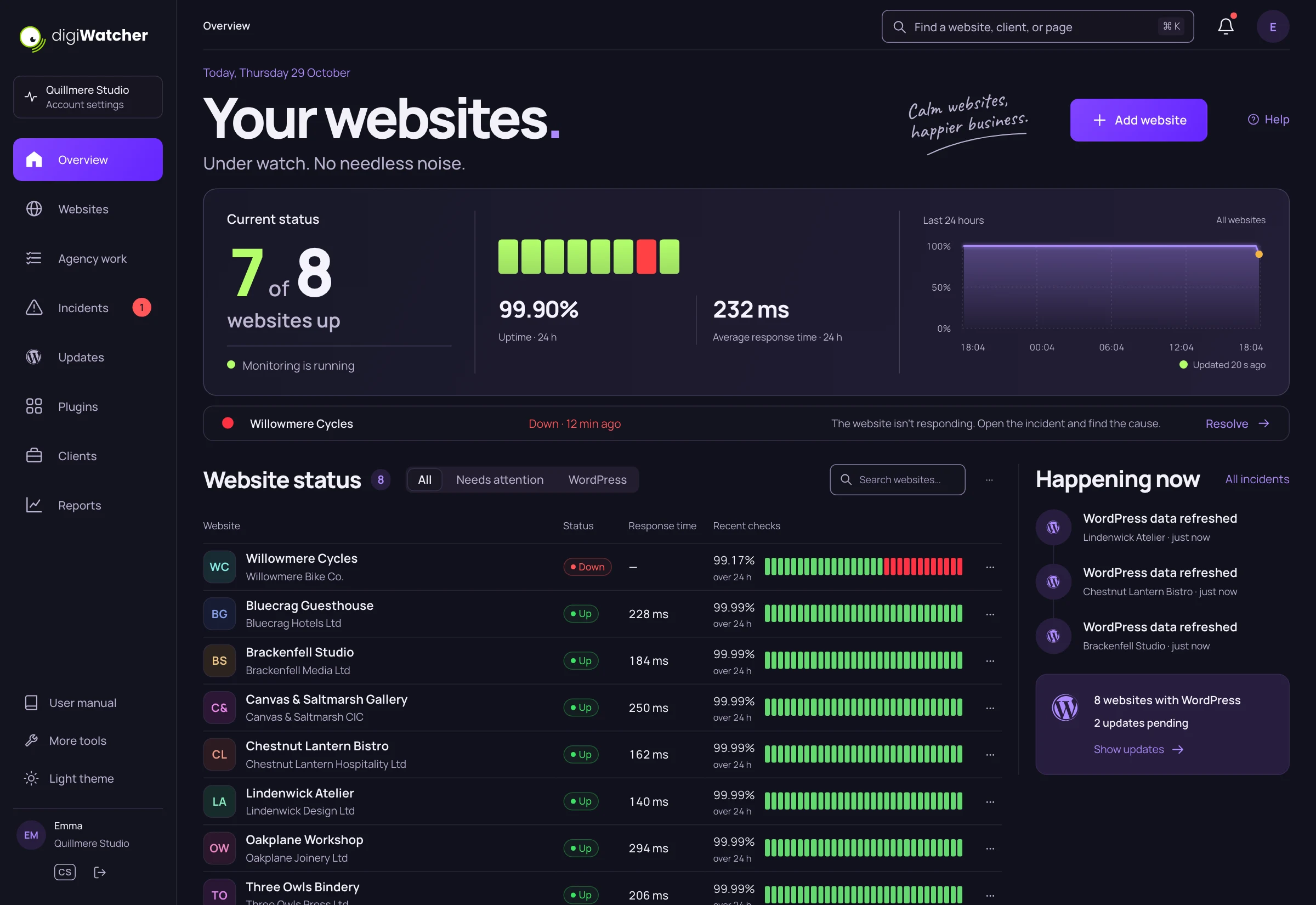
Every website has its own status, history, and client. From a website’s card, go straight to an issue, an update, or work waiting for your team.
Uptime, response time, and how they change. Cards or a table, depending on how you need to work.
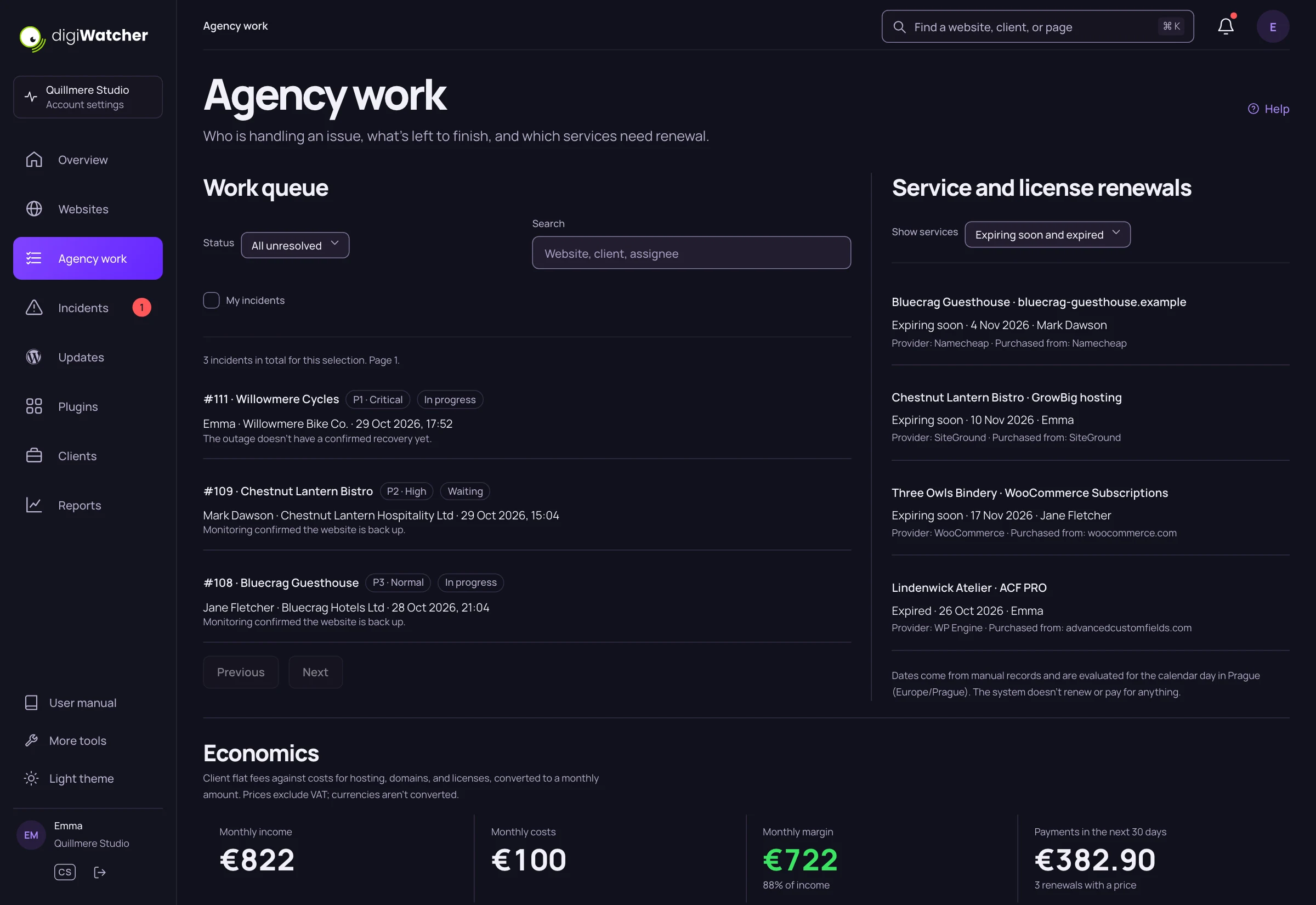
Incidents, known vulnerabilities, and important dates in one shared overview.
Connected WordPress sites and their pending versions. From the portfolio straight to the next step.
On ready sites, you can run plugin, theme, and core updates. A batch of the same item moves from site to site and, if an update fails, stops the remaining updates of that version.
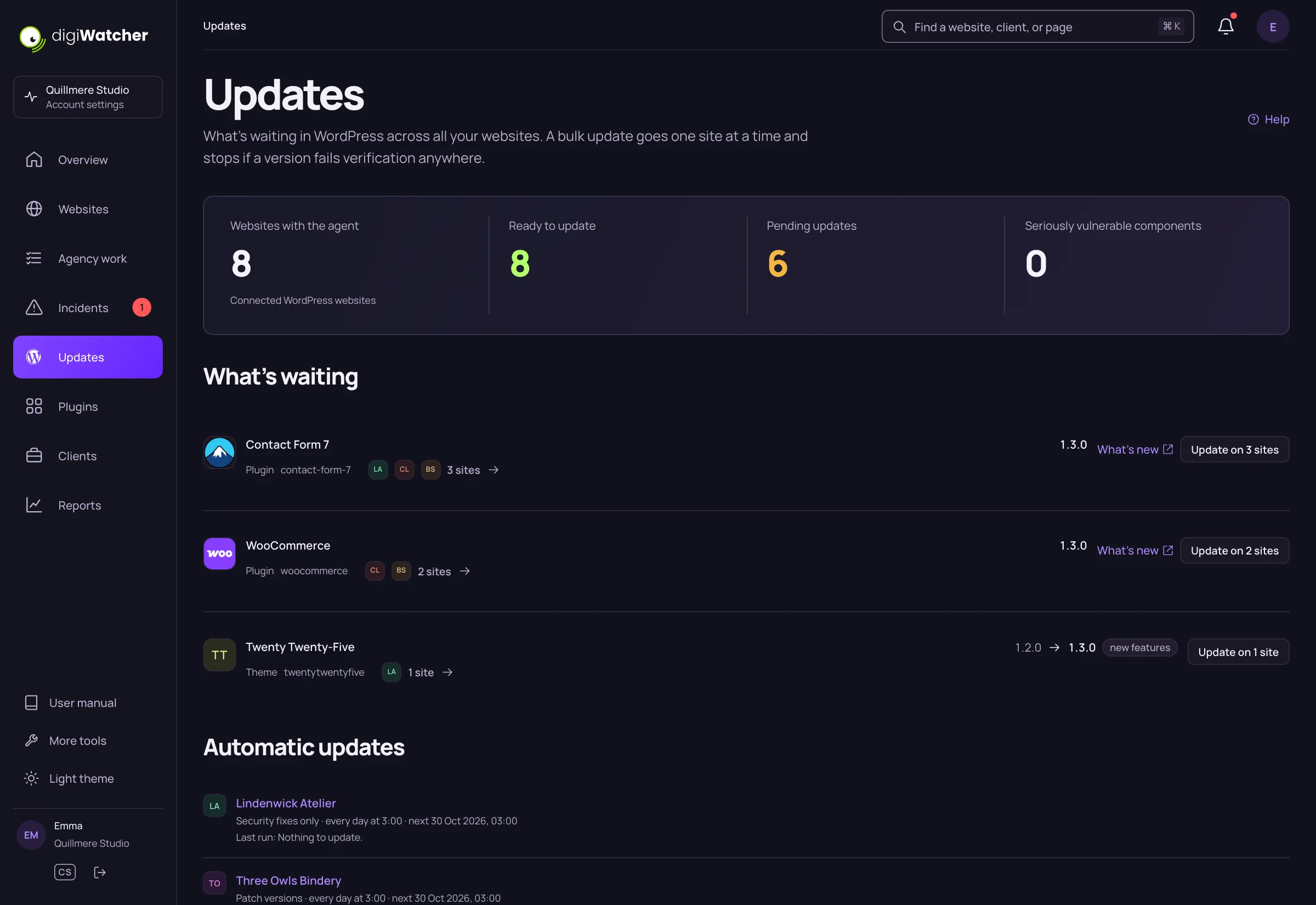
See which sites can be updated and what’s blocking the others.
Update the same item on selected ready sites.
The progress and result of every operation are part of the overview.
Requires an up-to-date agent, updates enabled, and a compatible environment with direct file access. WordPress multisite isn’t supported.
Assign an incident, set its priority, and follow its resolution. Internal messages, time spent, and the outcome of the work stay with the specific issue.
Give clients access to their websites and shared care records. A report for a selected period combines operational data with the work you’ve done. It can also include WordPress status and successful updates made by digiWatcher.
Room for you and your clients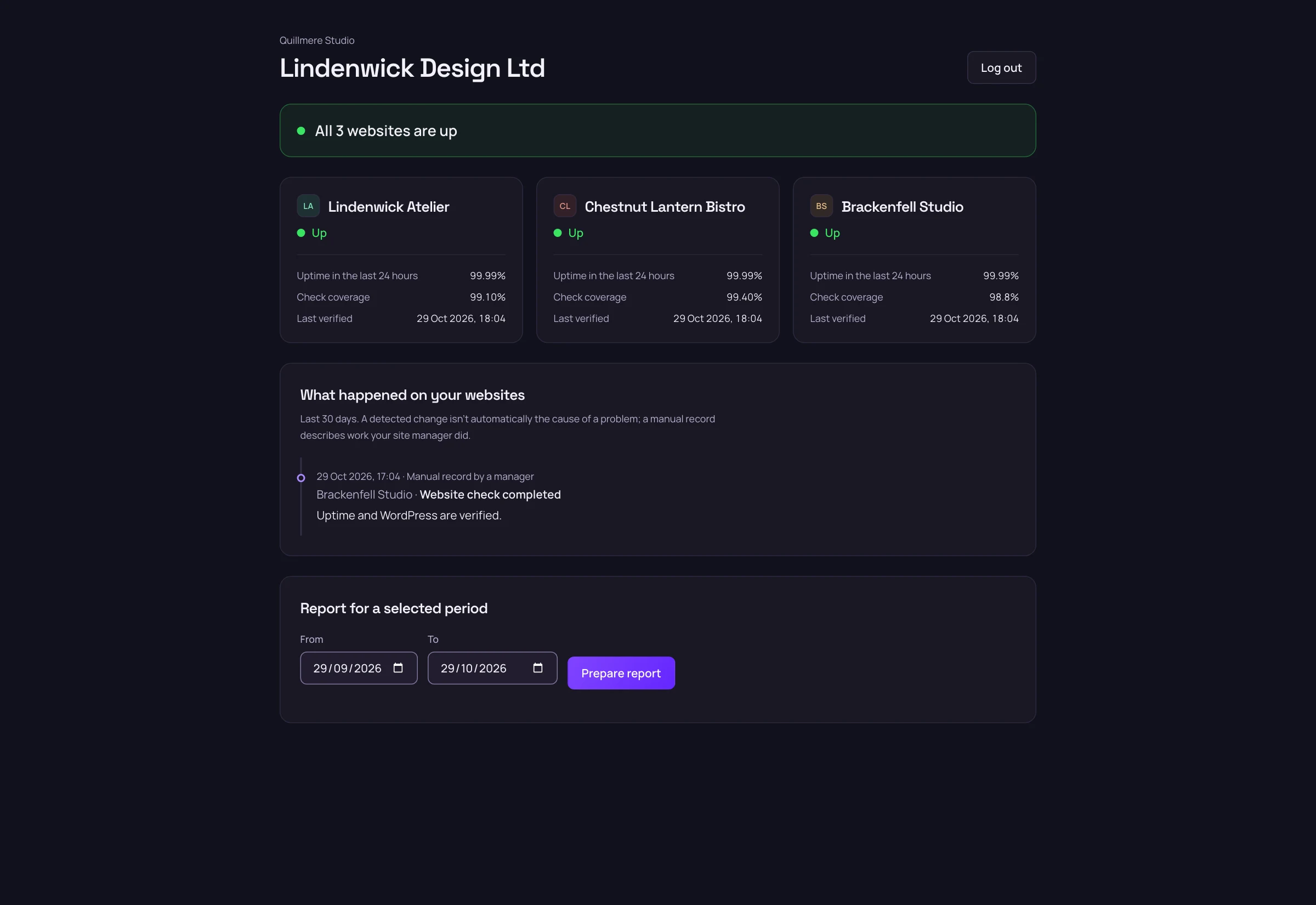
Assign specific websites to a client. Their access is read-only.
Internal discussions and time logs stay with your team. You decide which care records to share.
Successful updates made by digiWatcher are recorded in the care history. The report connects them with operational data for the chosen period.
Regular checks and outage history across your websites.
SSL, domains, and manually tracked services with an owner and a renewal date.
Email, Slack, Telegram, and other channels. With quiet hours and scheduled maintenance.
Choose by the number of websites and what you need to monitor.
Monthly prices. Billed in CZK for now. Euro billing is coming.
Loading current plans…
For agencies and site managers who look after client websites long term. It combines a portfolio overview, monitoring, WordPress updates, incident handling, and client reports.
No. You can monitor uptime, response time, and SSL for other websites too. For a plugin overview and WordPress updates, connect digiWatcher Agent.
Yes, on ready sites with an up-to-date agent and write access enabled. Plugins, themes, and core can be updated manually. Optional automatic modes only run selected types of versions; major versions aren’t installed automatically.
An up-to-date connected agent, updates enabled, and a compatible WordPress with direct file access. WordPress multisite networks aren’t supported. digiWatcher shows which sites are ready and what’s blocking updates on the others.
A bulk batch stops the remaining updates of that version. For plugins and themes, it may try to put back the original files; this rollback doesn’t restore the database and isn’t available for WordPress core. That’s why your own backups still matter.
Only the websites you give them access to, their status, and shared care records. Internal discussions and time logs on incidents stay with your team. A report can also be shared with a separate link.
Discover a workspace for website care.